3D Christmas Treats Box Laser Cut
The holiday season is a time for creativity, generosity, and sharing joy. For crafters, small business owners, and DIY enthusiasts, creating unique packaging can be the difference between a good gift and an unforgettable one. This is where the 3D Christmas Treats Box Laser Cut digital file comes into play. It offers a sophisticated, professional-looking solution for presenting cookies, candies, or small gifts without the need for expensive custom manufacturing.
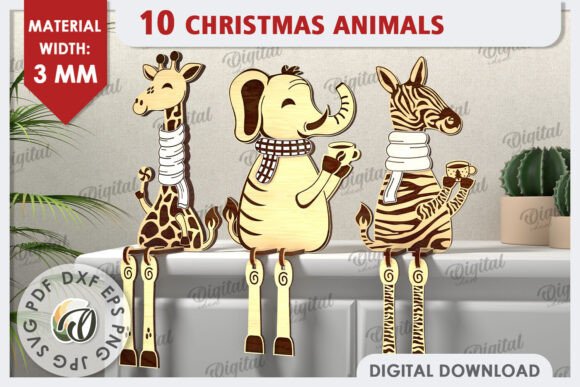
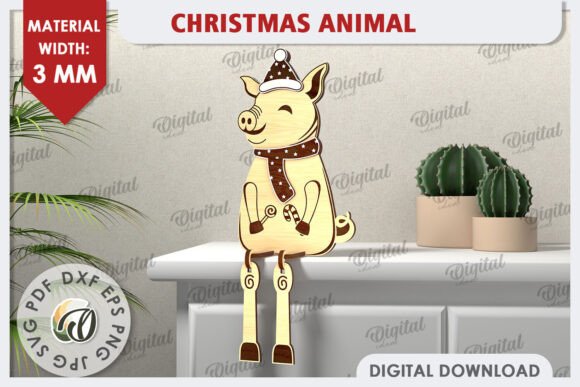
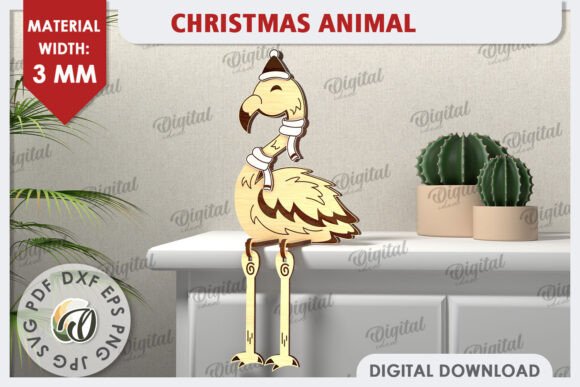
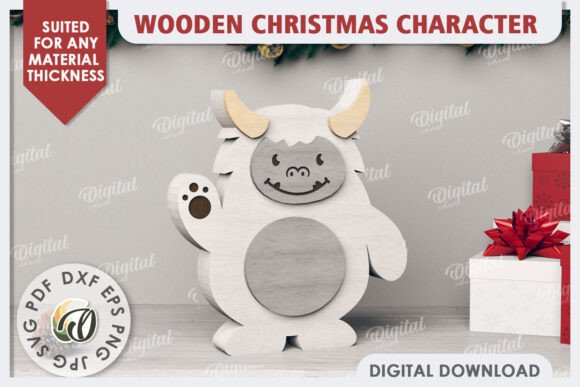
However, before you click "purchase," it is crucial to understand exactly what you are buying. There is often confusion in the digital asset market regarding physical versus digital products. Please note clearly: this is a DIGITAL product. No physical box will be shipped to your address. The photos displayed are for inspiration purposes only. Your purchase grants you access to a zip folder containing the design files necessary to create the box yourself. Understanding this distinction is the first step toward avoiding disappointment and ensuring you have the right tools for the job.
Understanding Digital Assets and File Formats
When you download your files, you will receive a comprehensive package including designs in SVG, DXF, EPS, PDF, JPG, and PNG formats. Each format serves a specific purpose, and knowing how to use them effectively is key to a successful project.
- SVG (Scalable Vector Graphics): Ideal for cutting machines like Cricut or Silhouette. These files allow you to resize the design without losing quality, making them perfect for various box sizes.
- DXF & EPS: Standard vector formats used by professional laser cutters and vinyl plotters. If you are sending your design to a local shop with industrial equipment, these are often the preferred formats.
- PDF: Useful for printing templates directly onto paper or cardstock if you intend to cut the box manually with scissors or a craft knife.
- JPG & PNG: Raster images that provide visual references. These are helpful for planning your color schemes or seeing how the final assembly might look, but they cannot be used for cutting.
A common mistake beginners make is assuming that all files are interchangeable. While SVG and DXF are both vector formats, their internal coding can differ slightly depending on the software used to create them. Always check the compatibility of your cutting machine or software before starting your project.
The Importance of Material Thickness
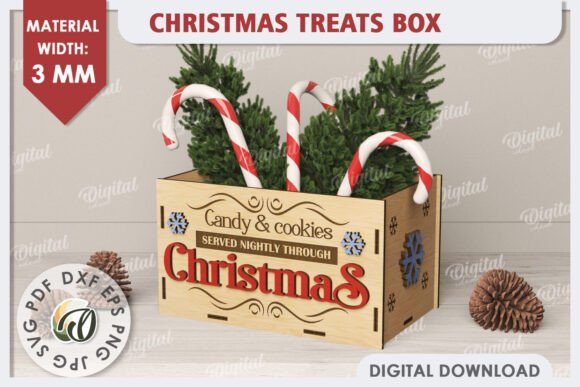
One of the most critical technical details provided with this design is the required material width: 3mm. This specification is not arbitrary; it is engineered into the interlocking tabs and slots of the 3D structure. Using material that is too thin, such as standard 0.4mm chipboard or thin cardboard, may result in loose joints that fail to hold the box’s shape under the weight of treats. Conversely, using material thicker than 3mm might prevent the pieces from fitting together properly, leading to gaps or broken tabs.
If you plan to use alternative materials, you must adjust the design accordingly. However, for the best results and structural integrity, stick to the recommended 3mm thickness. Popular choices include corrugated board, acrylic, wood veneer, or thick foam board. Remember that different materials require different cutting settings. Acrylic needs high power and low speed, while wood requires precise focus adjustments. Always test a single piece on scrap material before committing to your final batch.
Common Pitfalls in Design Application
Even with high-quality digital files, the final output depends heavily on execution. Here are some practical warnings to help you avoid common errors.
Ignoring the Scale and Orientation
Before loading your file into cutting software, verify the scale. Some software defaults to inches, while others use millimeters. A discrepancy here can turn a small treat box into a giant prop or vice versa. Ensure your document settings match the intended size of the design. Additionally, pay attention to the orientation of the grain if you are using wood or corrugated board. Cutting against the grain can cause chipping or uneven edges, especially in intricate areas.
Overlooking Joinery Mechanics
The beauty of this 3D Christmas Treats Box Laser Cut design lies in its self-assembly mechanism. There are no glue lines required for the main structure, relying instead on friction-fit tabs. A frequent error is cutting these tabs too loosely. If the fit is too loose, the box will collapse when filled. If it is too tight, you risk cracking the material during assembly. Aim for a snug fit that requires gentle pressure to insert. You can achieve this by adjusting the kerf compensation in your cutting software if your machine’s cut width differs from the default setting.
Misinterpreting Inspiration Photos
The images provided are for inspiration. They may show finished boxes decorated with ribbons, glitter, or painted finishes. Do not assume the digital file includes these decorative elements. The file provides the structural geometry only. Any additional embellishments—such as die-cut patterns, printed labels, or surface treatments—are up to you. Plan your decoration strategy before you start cutting to ensure you leave enough space for adhesives or decorations.
Expanding Creative Possibilities
While designed primarily for treats, the versatility of this 3D Christmas Treats Box Laser Cut pattern extends far beyond the kitchen. The structural principles can be adapted for various applications:
- Home Decor: Create miniature architectural models or decorative ornaments.
- Stationery: Use the flat-pack design to create elaborate greeting cards or invitation enclosures.
- Packaging: Customize the dimensions for retail products, jewelry, or electronics.
- Textile and Fashion: Print the pattern on fabric for structured accessories or use the vector lines for embroidery guides.
- Educational Tools: Use the exploded views to teach geometry and spatial reasoning.
The creation options are endless, limited only by your imagination and the materials you choose. Whether you are a hobbyist looking for a fun weekend project or a small business owner seeking cost-effective packaging solutions, this digital asset provides a solid foundation.
Support and Communication
We value our community of creators. If you encounter any issues with the files, have questions about material compatibility, or need advice on optimizing your cutting settings, please do not hesitate to reach out. We encourage you to write us a message if you have a question. Our goal is to ensure your experience is smooth and your final product is something you are proud to share.
In summary, success with this 3D Christmas Treats Box Laser Cut project hinges on preparation. Verify your file formats, respect the 3mm material requirement, double-check your scale, and understand that you are purchasing a digital blueprint, not a physical object. By avoiding these common pitfalls, you can produce beautiful, functional, and festive boxes that elevate your holiday gifting. Enjoy the process, experiment with different materials, and thank you for visiting our shop.